RETROXEL: Retro Arcade Games is an Android retro arcade collection. This guide explains a careful way to browse RETROXEL retro games, choose a title, read its controls and switch games without assuming that every title plays alike. It is an editorial starting point for players exploring the collection, not a substitute for the current store listing.
Verified Google Play information
Google Play describes hundreds of retro arcade games across platformers, shooters and puzzles, with new games added over time.
Independent guide
Retroxel Play offers editorial guidance only and is not affiliated with Retroxel, sungjun221 or Google Play. Package ID: com.sjkim.retroxel2.
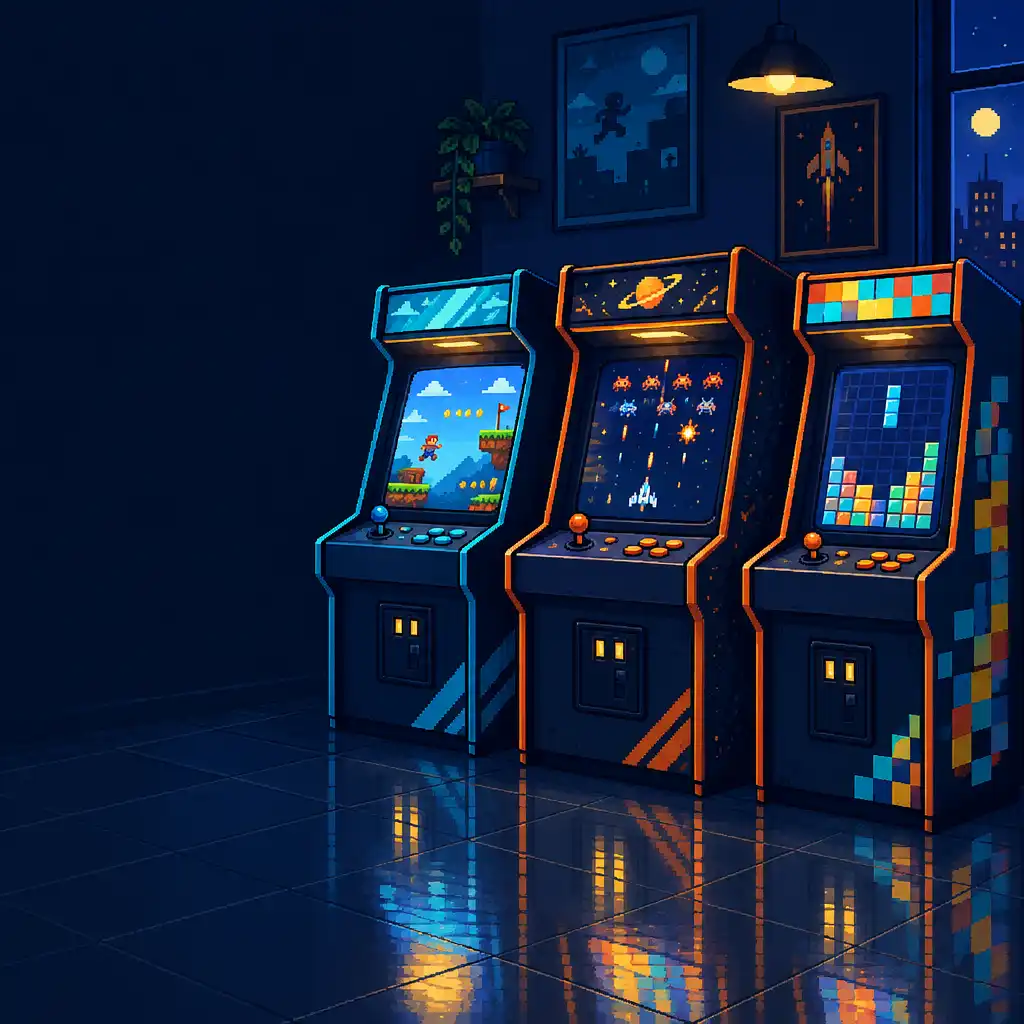
Editorial illustration of a varied arcade collection, not a RETROXEL screenshot.
Store information first
What Google Play confirms
Before using any guide, it helps to separate stable store statements from interpretation. These points describe the broad collection; they do not turn the catalogue into a fixed list or promise that every title follows the same pattern.
Verified Google Play information
The collection is broad
Google Play describes RETROXEL as containing hundreds of retro arcade games. That makes the experience a collection to explore rather than one single game loop. “Hundreds” is useful scope, not a fixed total: the live listing is the better place to check current information instead of treating an older overview as permanent.
Verified Google Play information
Three genre signposts
PlatformersShootersPuzzles
These named genres are useful starting signposts. They can help a player decide what mood to follow, but they are broad labels rather than a guarantee that every current title, or every title within a genre, will use the same rules.
Verified Google Play information
The catalogue can change
Google Play also states that new games are added over time. Read this guide as a browsing approach rather than a permanent inventory. If a current title, store detail or catalogue question matters to your decision, check the official listing for the latest information rather than assuming an update schedule.
Editorial guidance
Start with the kind of arcade session you want
When a collection is broad, the easiest first decision is not “which game is best?” but “what sort of play sounds right now?” The genre names can orient your attention while leaving room for each title to reveal its own rules.
Platformers
Begin with movement
Platform games may suit players who want to learn through movement, timing and repeated short attempts. A title in this broad area often asks you to watch how motion and hazards relate, but the exact objective and inputs vary by title. Start by noticing what the opening asks of you rather than assuming a particular jump, level structure or character.
Shooters
Begin with pace
Shooters can be a useful choice when immediate action and score-minded replay sound appealing. Before committing to a longer attempt, take a moment to assess the pace and the response the title actually presents. This avoids assumptions about weapons, stages or control patterns and helps you decide whether its rhythm suits the time you have.
Puzzles
Begin with the rule
Puzzles may appeal when you would rather understand a rule or pattern before chasing speed. Give the opening moments enough attention to reveal the immediate objective. There is no need to assume a particular board, block system, hint option or difficulty setting: treat the title in front of you as the source for those details.
A calm browsing method
Browse with a light touch
A changing catalogue can feel more manageable when you use broad cues, make a quick considered comparison and keep an easy fallback in mind. The following steps describe an editorial habit, not an invented map of the app.
01
Use categories as orientation, not a checklist
Platformers, shooters and puzzles are verified genre signposts, so they can narrow your attention without turning browsing into a completion task. A retro arcade collection can contain varied styles, and new games are added over time. Use a broad category to begin, then let the titles currently available shape your next choice.
02
Read the immediate cues before committing
Where shown in the current version, use a title, genre wording, preview or opening screen to form a first impression. The point is not to infer a guaranteed set of metadata; it is to make a cautious first look. Notice what is actually available before spending more attention on a title.
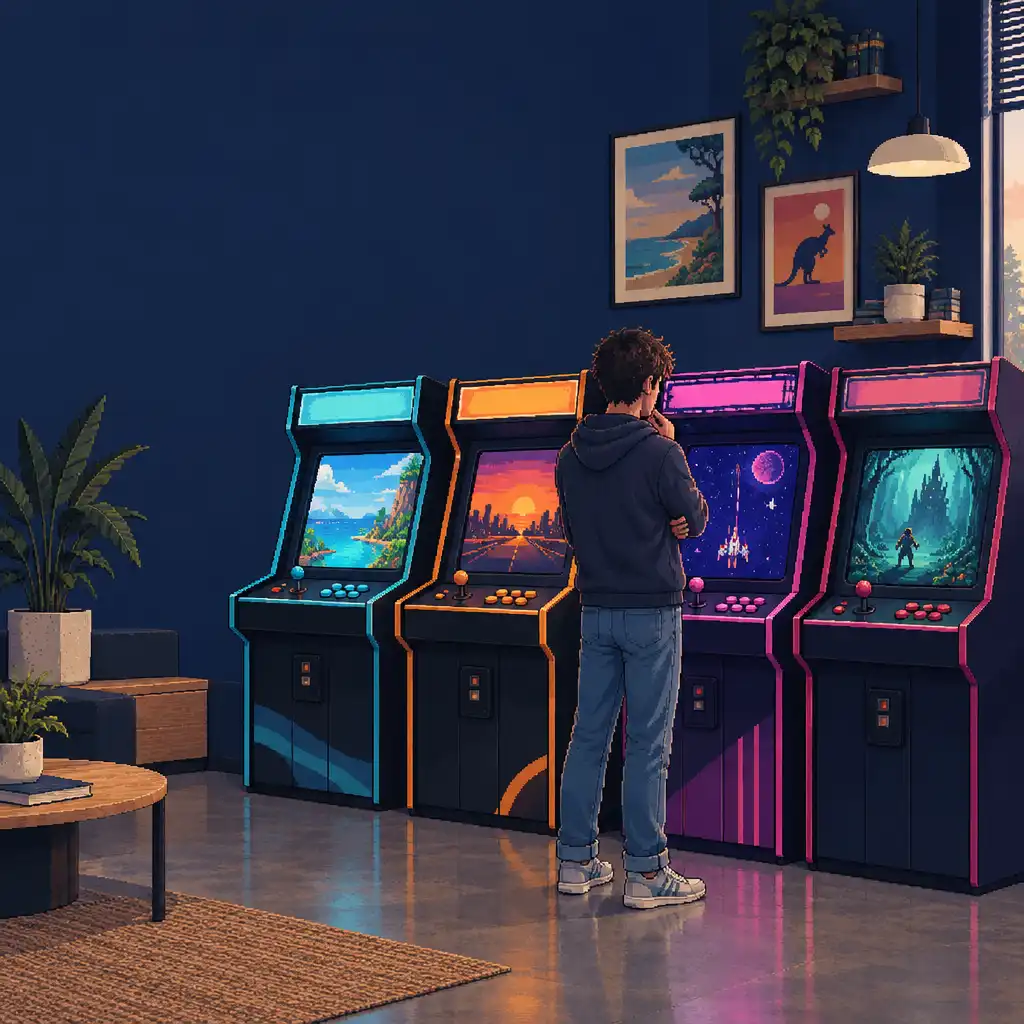
Editorial illustration of thoughtful choice, not a claimed RETROXEL browsing screen.
03
Keep one fallback choice
If a new title does not suit your time or attention, return to a familiar genre rather than forcing the session. Variety is an advantage, not a requirement to finish everything. For a short-session arcade approach, a comfortable fallback can make the collection easier to revisit while you continue discovering different styles at your own pace.
Editorial guidance
Choose a title for the time you have
Rather than expecting every game to fit one routine, choose according to the kind of attention you have available. These are player-led ways to approach a varied arcade collection, not promises about any particular title.
Short session
A quick reset between tasks
For a brief arcade-style break, look for a title whose opening objective is easy to observe. The actual session length remains up to the game and the player, so treat this as a way to test a title rather than a promise that every game fits a set number of minutes.
Editorial guidance
A focused replay attempt
Stay with one title when you want to learn a pattern, improve timing or become more familiar with its own rules. Repetition is a common arcade-game habit, not a claim about scores, leaderboards or progression. A deliberate second attempt can simply reveal more than the first.
Platformers · shooters · puzzles
A change of pace
When the current rhythm does not suit, changing broad genre can be useful: move from action-oriented play toward a puzzle, or the other way around. These category names are verified Google Play information, yet they do not promise that every genre is displayed or reached in the same way.
Controls are title-specific
Learn each title’s controls one game at a time
It is safer to treat each game as its own small learning task than to assume a universal RETROXEL layout. This keeps the guide useful without inventing control arrangements or support that may not apply.
Editorial caution
Controls can vary by title
This guide does not assume one RETROXEL control layout. Retro games can draw on different original inputs, and the current presentation should be checked title by title. Rather than presuming touchscreen buttons, controller support, remapping or a particular button count, use what the selected title actually shows as the reliable starting point.
Look before you chase the score
Use a first attempt to identify the movement or action cues that are presented, then begin a more deliberate run once the objective is clearer. Interface and title behaviour can differ, so observation comes before assumption. You do not need to know every rule immediately to decide whether another attempt will be useful.
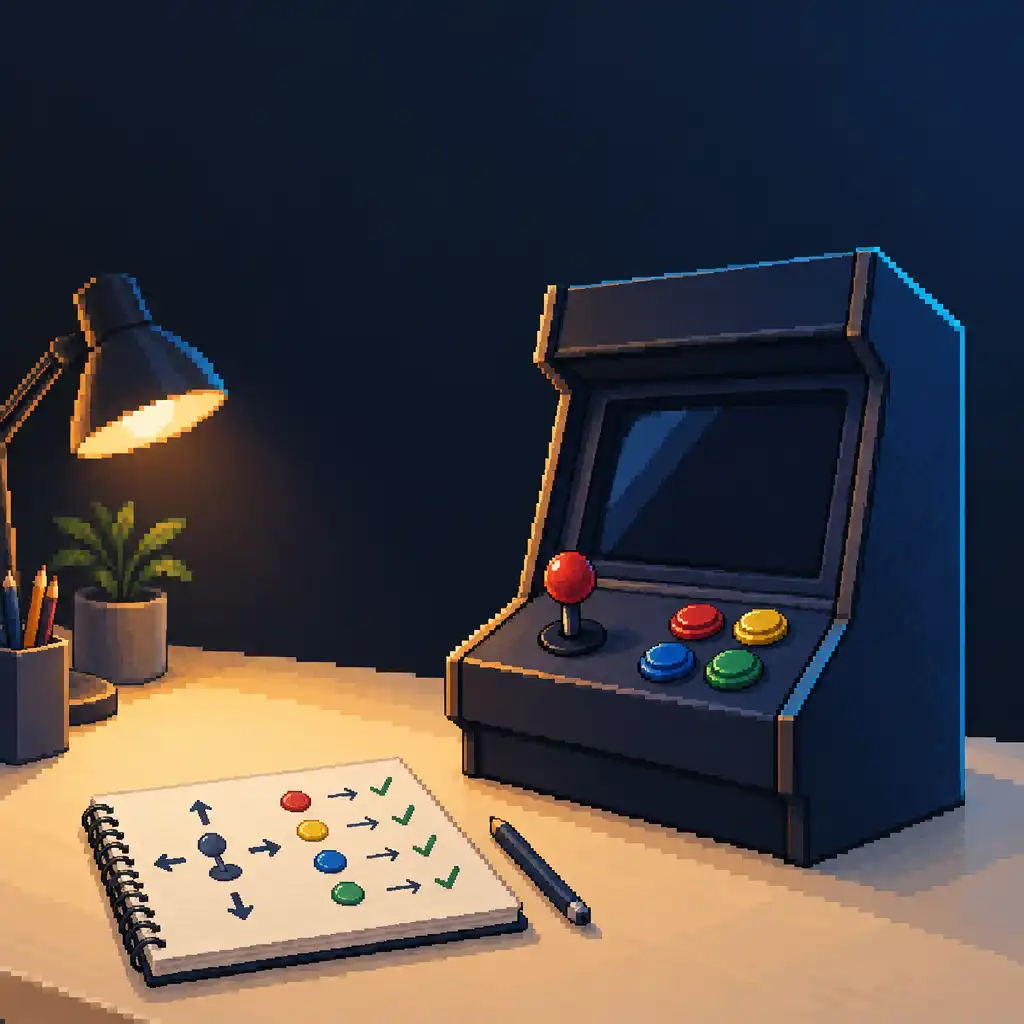
Editorial art, not a RETROXEL control layout or screenshot.
First-minute checklist
01
Identify the immediate goal. Notice what the opening appears to ask you to do before worrying about a perfect run.
02
Notice the response shown by the title. Pay attention to movement or action feedback that is actually presented.
03
Decide whether another attempt will teach something useful. Replay or return to browsing on purpose.
Collection mindset
Switch titles without losing the point
Moving between games can be a normal, useful way to explore a collection. The goal is not to force every title into the same session; it is to make a considered next choice.
Editorial guidance
Switch when the match is not there
A title may simply not match your available time, preferred pace or current mood. Trying another part of the collection is a sensible response, not a setback. There is no need to presume a particular exit flow or navigation mechanic to apply this advice: the useful decision is whether the current game fits the session.
Carry the habit, not the assumed controls
Useful habits transfer even when controls and rules do not. Observe the objective, test the response and give the game a fair first attempt. Carry that approach to the next title while treating its inputs, pace and rules as its own. This avoids assuming common default mappings across a varied arcade collection.
Observe→Test→Decide
Return as the catalogue evolves
Google Play confirms that new games are added over time. That makes revisiting the collection a reasonable idea, while the details remain mutable. Check current store information instead of relying on an old snapshot, and do not infer an update schedule from the fact that the catalogue can change.
Current information matters
Ads and in-app purchases: check the live listing
Monetisation details are best handled with source-aware language. The current official listing is more useful than a stale assumption about what a player may see.
Mutable store details
These details can change
Ads and in-app purchases are mutable details, so the current official Google Play listing is the relevant place to inspect present information. This guide does not state whether either is currently present, how often anything appears, what it costs or what a purchase might change.
Read the current Google Play information shown for RETROXEL.
Consider your own device and account settings before making a choice.
Base decisions on the details actually displayed, not on assumed prices, subscriptions or payment options.
This is a neutral routine, not device-specific instruction or a claim about family settings, payment methods or purchase behaviour.
Practical field guide
A sensible first RETROXEL session
Use this short sequence to turn the guide into a low-pressure first look.
01
Check the official listing first
Start with the official RETROXEL Google Play listing so you can see current app information rather than relying solely on an editorial explanation. The package ID is com.sjkim.retroxel2, but the listing itself is the clearer destination for live store details.
Choose a broad starting direction based on the kind of play you want, not on a promise that every title fits a stereotype. Google Play names platformers, shooters and puzzles as parts of the collection.
PlatformersShootersPuzzles
03
Give the opening a fair read
Observe the immediate objective and the controls actually presented by the selected title before deciding whether to continue. An opening attempt is useful information, even if it only tells you that a different genre or pace would suit you better.
Observe first: let the title show its own cues before assuming how it should play.
04
Switch or replay on purpose
Make another attempt when you want to learn more about the current title, or move to another game when the first choice does not fit. This reinforces the collection mindset without assuming anything about saved progress or return points.
Practical tip: choosing a different title can be as deliberate as choosing a replay.
Current official source
Ready to explore the current listing?
For live store information about RETROXEL: Retro Arcade Games, view the official Google Play listing. Catalogue content, ads and in-app purchases can change, so the listing is the right place to check current details. Retroxel Play is independent Australian editorial guidance and is not affiliated with Retroxel, sungjun221 or Google Play.